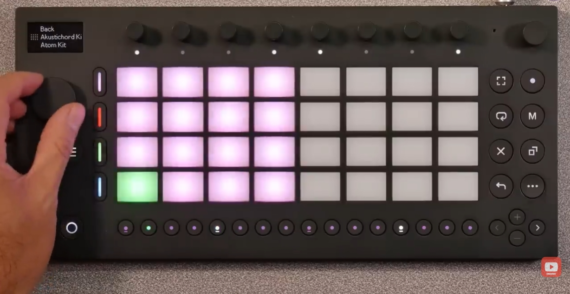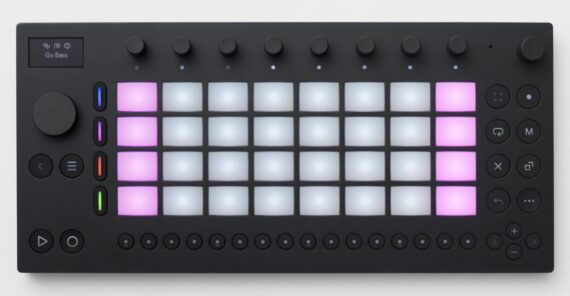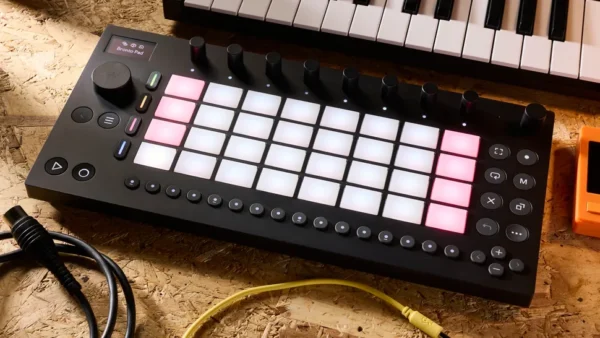
Hot on the heels of yesterday’s unveiling of Live 12.3, Ableton has released updates for its Note iOS app and Move hardware. While there are a few differences between these two updates, they share one key headline feature – adding full, unabridged access to Live’s stock synth Drift.
Now, for the first time, Note and Move users have full access to one of Live’s synths complete with every parameter available in the DAW version and the ability to craft patches from an initialised state.
Despite their visual differences, Move and Note share a lot of fundamental similarities. Note, which launched in 2022, brings a stripped-back version of the Live workflow to iOS devices, allowing users to play and sequence MIDI clips as well as sample and sequence audio, plus manipulate sounds with a limited selection of Live’s stock effects.
Move is a standalone hardware device designed as an on-the-go sketchpad companion to Live, although under-the-hood it essentially runs a variation on the Note app.
Both formats control instruments and effects via a bank of eight parameter controls, which are adjusted via the touchscreen in the case of Note and using a bank of eight touch-sensitive rotaries on the Move hardware.
In each case, in order to control Drift, these controls can cycle through multiple banks of parameters for adjusting the synth’s oscillators, filters and modulation tools, along with a top-level bank of macros.
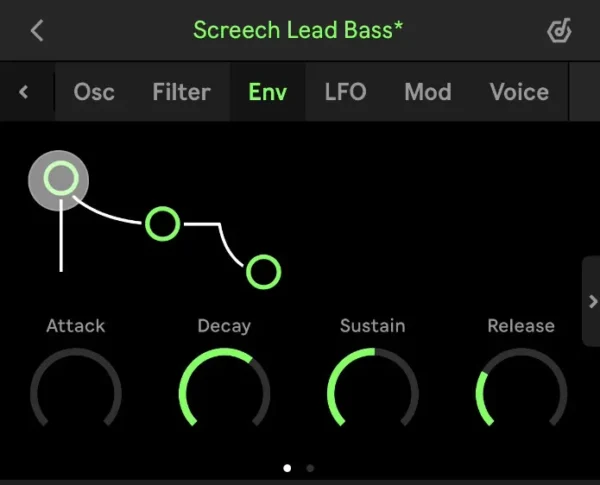
The key difference between the rollout of Drift across the two platforms is that, while it comes to Move as a free firmware update, access to the full version of Drift in Note requires an in-app purchase, although this is fairly reasonably priced at $6.99.
In either case, having access to the full range of Drift parameters is an excellent addition. As Live users will likely already know, Drift is a fantastic-sounding, wonderfully versatile analogue-style synth capable of creating both faux-vintage tones and modern timbres. Particularly when combined with Move’s expressive pads, it can create some highly dynamic and vibrant synth patches.
The Note update is out now, and also adds an assortment of bug fixes and minor workflow refinements (all of which are free, and don’t require the purchase of Drift).
Move’s latest firmware update, v1.7, is available today via public beta. Along with the upgrade to Drift, the update also introduces the ability to adjust the brightness of the Move hardware, and adds a pair of new acoustic drum racks.
The update follows hot on the heels of other recent Move updates. Version 1.5, which arrived earlier this summer, significantly improved the device’s MIDI capabilities and added much-requested sample-slicing capabilities. V1.6, which left the beta stage just yesterday, introduced the ability to reverse samples in Drum Racks.
The Note app is available from Apple’s App Store priced at $/£6.99. Move is available now priced at $499 also on Amazon site. Find out more about Note on the Ableton site, and join the Move public beta here.