Composer + author Dennis DeSantis (Making Music Creative Strategies for Electronic Music Producers) shared this in-depth tutorial on using the new tools in Ableton Live 12 to chop and join notes to create complex rhythms.
Video Summary:
“This video introduces Live 12’s new tools for chopping and joining MIDI notes.
You can use this to create very complex rhythms, which I demo by transcribing a few bars of Brian Fernyhough’s ‘Bone Alphabet’ for solo percussion.”
Ableton Live 12 major update brings a new synth, MIDI tools and interface tweaks to the feature-packed DAW. A new bi-timbral, MPE-compatible synth and a powerful multi-stage saturation effect are among the highlights of Live’s latest update.
Today, Ableton has unveiled the latest version of Live, its flagship digital audio workstation (DAW). Live 12 is a major update that brings a host of new devices, MIDI tools, new sounds and workflow tweaks aimed at helping you “spark musical creativity”.
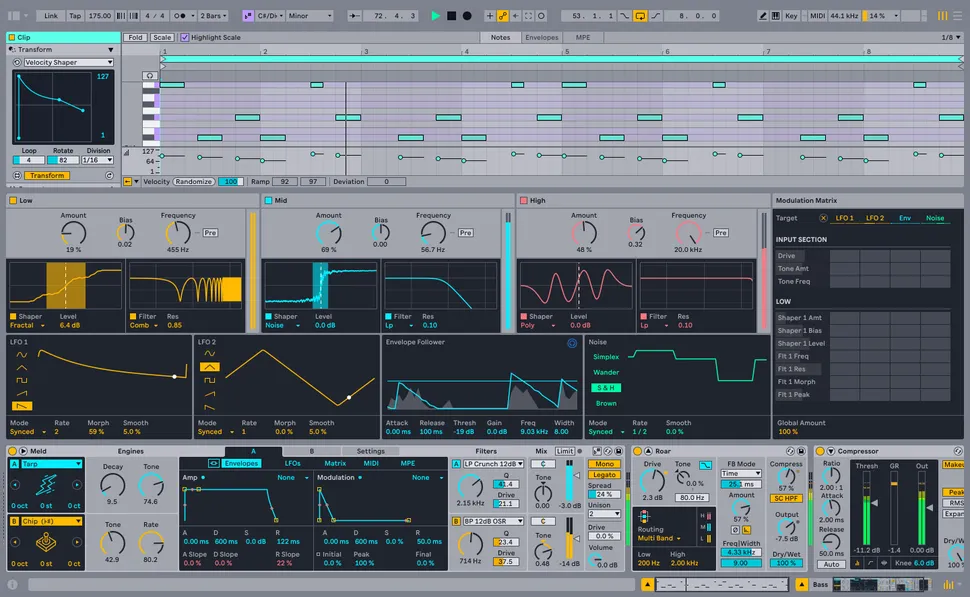
Live’s latest upgrade most exciting additions are two new devices called Meld and Roar. Meld is a bi-timbral synth that’s MPE-compatible, so it’ll play nice with the next generation of MIDI controllers (including Push 3) and suit those looking to experiment with expressive live performances.
Known as an “experimental” synth designed for deep sound-shaping, Meld is based on a dual architecture that creates new sounds by layering two timbres together. The synth’s two oscillators are equipped with a variety of waveforms, including complex waveshapes geared towards producing highly textural sounds. Each oscillator is equipped with two handy macros for quick adjustments, and those looking to go deeper will be rewarded by its extensive modulation and routing capabilities.
The second new device is Roar, a colouring and saturation effect that looks set to become a classic in Ableton’s lineup of stock plugins. Capable of everything from subtle warmth and flavour to full-on sonic destruction, Roar’s three saturation stages can operate in series, parallel, mid/side or multiband configurations and the device’s modulation matrix and feedback routing make this a seriously powerful effects processor.
Another new instrument in Live 12 is an upgrade to the Granulator, a widely-used Max for Live device designed by Ableton cofounder Robert Henke. Like its predecessors, Granulator III is a granular sampler capable of isolating, repeating and processing tiny grains of audio, but the third version boasts a redesigned UI, makes it possible to record audio into the plugin in real time and adds MPE control over parameters such as vibrato, glissando and note bend.
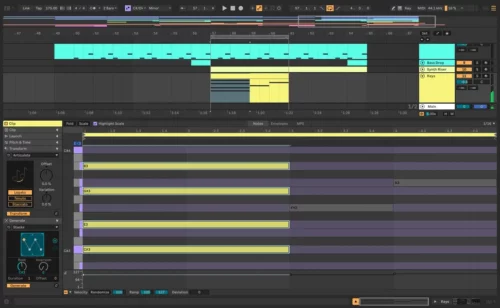
Alongside the new devices, Live 12 features an array of new MIDI tools aimed at making it easier to come up with new melodic and harmonic ideas. A handful of these are generative, meaning that Live will automatically generate melodies, rhythms and chord sequences based on a set of musical rules specified by the user. Live’s MIDI Editor has also been improved, making it easier to stretch, split, chop or join notes and reshuffle melodies and rhythms into new forms.
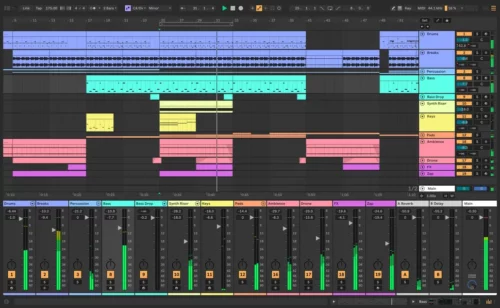
Ableton has also made some handy adjustments to Live’s UI: a redesigned browser and tagging system makes discovering and categorizing sounds much easier than before, while the new Stacked Detail Views let you see the Clip Editor above the Device View, providing an instant overview of everything that’s happening inside a single track. What’s more, Live’s Mixer can now be viewed in Arrangement View, a tweak that’s long overdue.
Another interesting feature in Live 12 is the Sound Similarity Search. This helps you find samples and presets in your library that sound similar to any sample that you’re particularly fond of: specify your favourite sound and Live will scan all of the timbres in your library to offer up similar candidates. Samples in devices like Drum Rack can be swapped out for similar alternatives at the touch of a button, making it easy to quickly audition new sounds that fall within a particular niche.
All in all, Live 12 is a serious update that brings some fascinating additions to this already feature-packed DAW.
Ableton Live 12 will be officially released in early 2024 but owners of Live 9, 10 and 11 Standard and Suite can try out the public Live 12 Beta right now. A discount offer is running from now until the release of Live 12. During the promotion, all new Live 11 editions are 20% off. The purchase of any new Live 11 edition automatically entitles customers to a free upgrade to its corresponding Live 12 edition upon release.
Live 12 is priced at €79/$99 for Live Intro, €279/$439 for Live Standard and €599/$749 for Live Suite. Existing Ableton Live owners should log in to their accounts to check upgrade pricing. In addition, through Nov 30, 2023, Ableton is offering 20% off Push 3 Standalone. Find out more on Ableton website.
Long before Ableton released its own Push hardware, it worked with Akai to create the APC40, the first dedicated Live MIDI controller. Released in 2009, this was followed by a MkII version five years later, and both mini and keyboard takes on the APC concept.
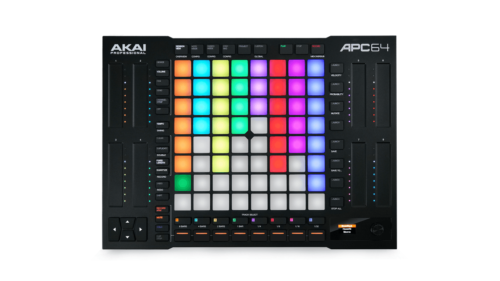
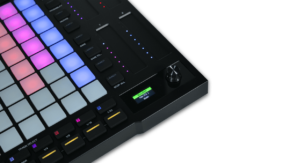
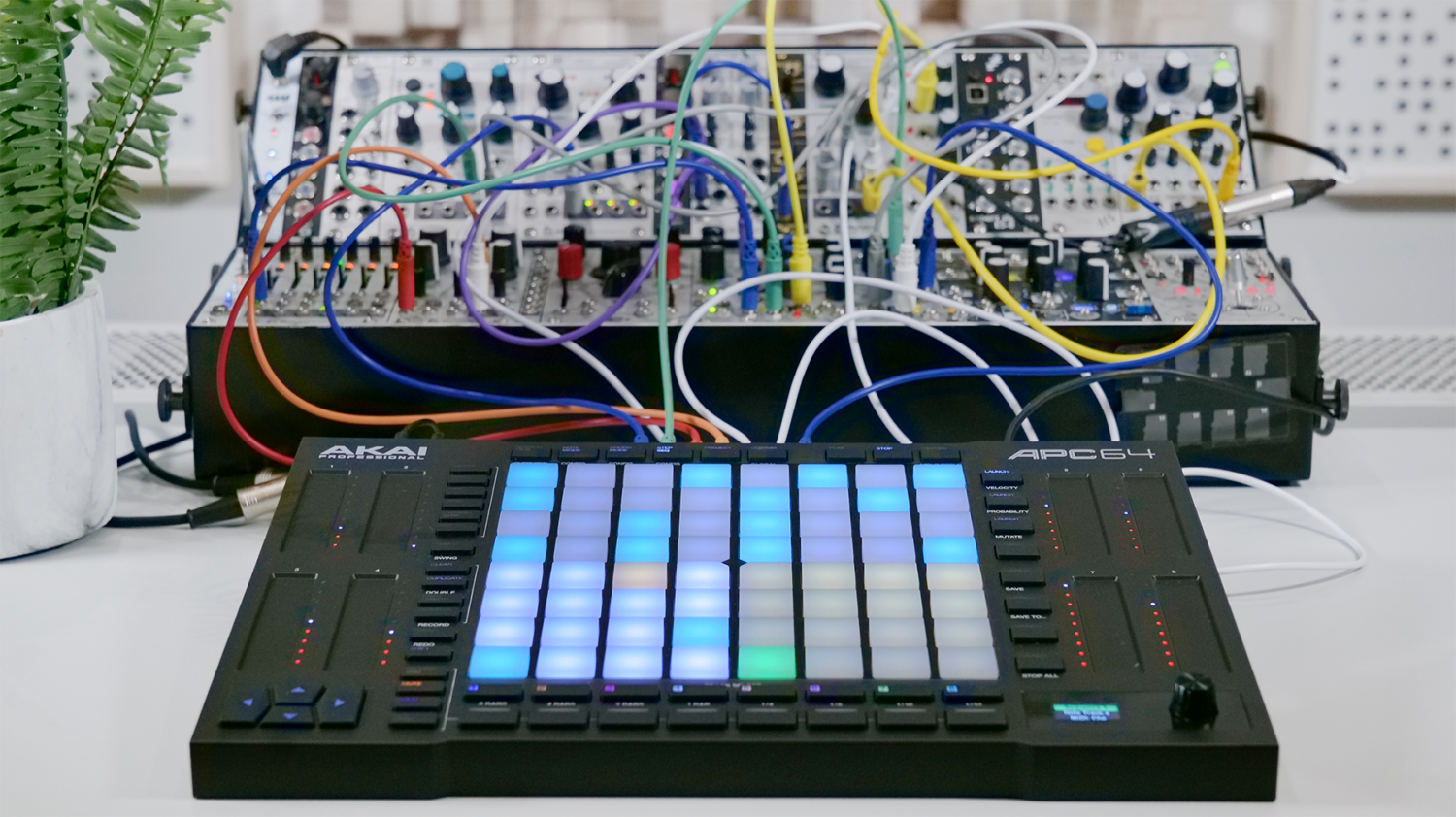
Now we have the APC64. Notable for offering 64 pads with polyphonic aftertouch, this also sports a whopping eight touch faders, which sit to the left and right of the central grid.
Akai Professional today debuts the APC64, the next generation of their Ableton Live controllers line.
Akai says that the APC64 is the culmination of years of development and user feedback, with velocity-sensitive pads with polyphonic aftertouch, 8 assignable touchstrip faders, an internal 8-track step sequencer, CV/Gate support and more.
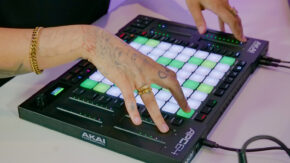
The APC64 features an 8×8 pad matrix, with 64 RGB pads with polyphonic aftertouch. Each pad responds to subtle taps all the way up to rapid strikes, for every style of playing and performance.
Eight assignable touch strips can be used to control pitch, vibrato and more. You can set the touch strips to mix mode to control the Ableton Live mixer device, to adjust volume or insert effects sends. RGB LED indicators provide feedback, while an LED screen provides key track information.
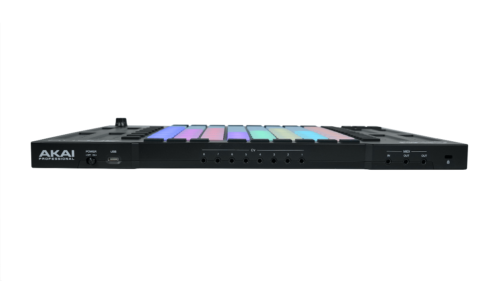
APC64 also features new I/O options, including eight TS CV/Gate outputs to interface with modern modular racks and devices. Three MIDI jacks support I/O for synths, keyboards, drum machines, samplers, and more. External hardware devices can be controlled by APC64 through Ableton Live or standalone, using the 8-track internal Step Sequencer.
Internal Step Sequencer
APC64 is first APC device to feature an internal step sequencer. The eight-track sequencer features 32 steps per track that can control devices over USB, MIDI, or CV/Gate, and chord and scale modes. You can use the 8×8 pad matrix or Touch Strips to shape pitch, modulation, or any other MIDI CC of your instruments, without the use of a computer.
Features:
8×8 clip launching and note performance matrix
Velocity-sensitive RGB-enabled pads with polyphonic aftertouch
8 assignable touch strip faders for mixer, effects, and device controls
Internal 8-track, 32-step sequencer for real-time performing with or without a computer
Note and Drum modes for creative pad performance
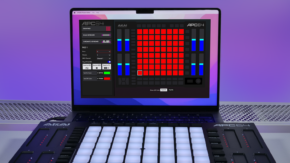
Custom mode with Software Editor for full user configuration
3 1/8” MIDI ports to connect keyboards and desktop synths
8 CV/Gate output ports to control external modular devices