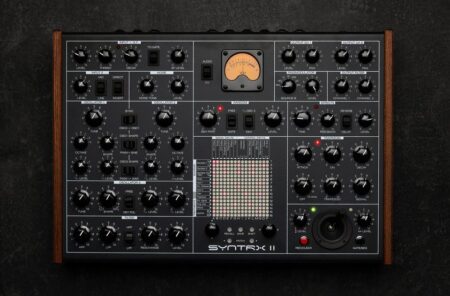
In his latest Blush Response video, Joey Blush reviews the Erica Synths Syntrx II synthesizer – an original design that offers a modern take on the Synthi AKS.
The Syntrx II features stable main oscillators with waveshapers, a versatile multimode filter, external instrument inputs with an envelope follower, ringmodulator, recordable joystick, built-in piano roll sequencer, matrix mixer and DSP-based FX.
Blush calls the Syntrx II ‘F***ing Sick’. What do you think? Watch the video and share your thoughts in the comments!
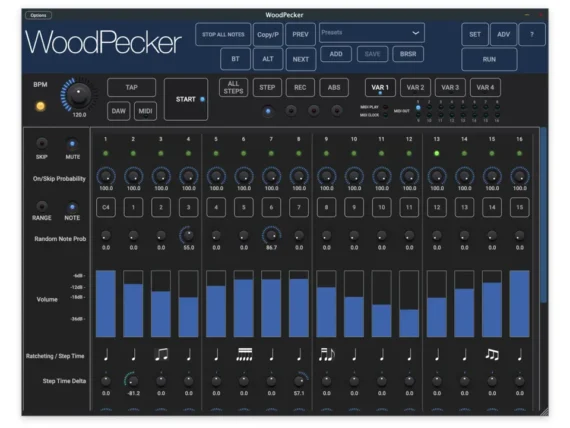
Woodman’s Immaculate Maple Syrup Studio has released WoodPecker v2.5 both on MacOS and iOS.
WoodPecker has 4 sequencers, which can send to 4 different MIDI channels (and/or MIDI V2 groups). Each sequencer has up to 64 steps and 4 variations (resulting in max 256 steps). The app can be used stand-alone or as a plugin in a DAW.
Here’s what’s new:
New features:
– Added Variation selection by keyboard note-on.
– Added Quantised Variation switching (at start of new bar, cycle).
– Added sequencer name (like bass, lead, …).
– Added Midi Learn for CC controls.
– Added Stop keyboard note for the “Note On” start modes.
– Added C3/C4 middle note selection.
– Added 1-shot start mode (auto stops after 1..8 cycles).
– Added Multi Note On mode : each subsequent note on starts the next sequencer.
– Added column nudging : horizontal drag on note button will move the column with all step parameters.
– Start/Stop note is not changing the key note any longer.
v2.1 :
– Added Fader flip : new dropdown selects which values are displayed and set/drawn by the Volume faders.
– Added KeyNote modes in Sequencer Settings : First Step , Follow Sequencer 1 or Set in Sequencer Settings.
– Added new Start (Stop) mode : Start-Stop with specific note.
– Sustain pedal now works with Start mode “While Note On”.
– Added “Common Variation Switching” button to the Variation Settings.
– Added red blinking led to “Set in All Steps” and “Set in All Sequencer” buttons.
– Arrow keys to go to steps > 16 are now visible when any of the sequencers has more than 16 steps.
– Added On/Off button in Sequencer Settings panel.
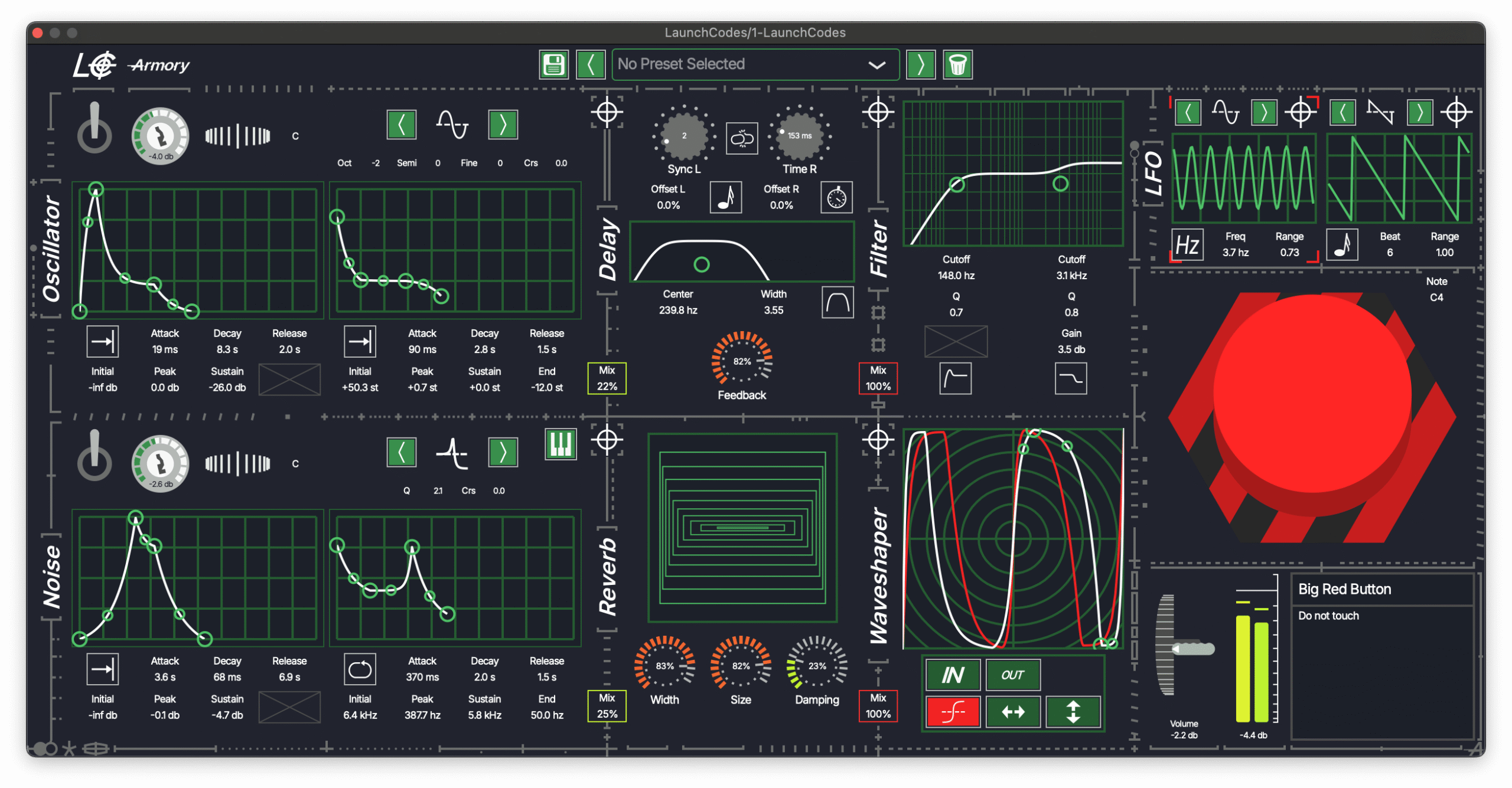
The video, via Elektronick Musick, offers a preview of LaunchCodes, a free virtual instrument for Mac & Windows that’s built for synthesizing explosive hits and basses.
LaunchCodes offers highly automatable wave and noise generators, a fully re-orderable and customizable effects rack, and two LFOs that can modulate nearly anything.
Features:
Wave generator—with four basic wave types, push the oscillator to its limits with fully automatable amplitude & pitch envelopes and four pitch parameters. Craft punishing basses, psychedelic patterns, or whimsical keys quickly
Noise generator—low-pass, high-pass, and band-pass modes with adjustable Q and Coarse on the filter envelope give you a wide palette for expressive percussion hits, mysterious sweeps, and screaming noise
Re-orderable effects rack—a delay unit for creative feedback and foreboding echoes, a reverb unit for huge clouds of fallout, a filter unit for sculpted resonances and bass-boosting, and a fully-editable waveshaper function for your own personal brand of distortion
Double LFO unit—for maximum expression, modulate almost any parameter in LaunchCodes with the four basic waveforms, and control the modulation range and direction on each parameter individually
A big red button—a big red button
Built-in presets to get you going right away, and an easy way to save and browse your favorite patches